Tool: Change password
0 min
This tool allows you to change your account password through a few simple steps: In the Old Password field enter the password currently in use. In the New Password field enter the new password with which you want to replace the old one. IMPORTANT: The password must have at least 8 characters and contain at least one number. In the Confirm Password field confirm the new password entered in the previous field by writing it again. Finally click [Edit] to apply the change.
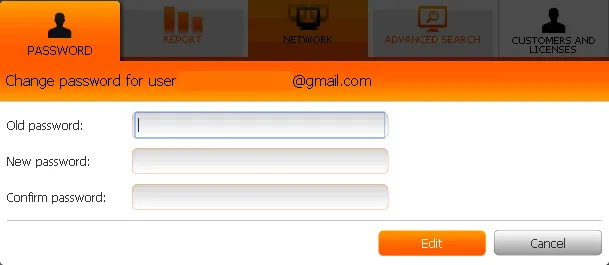
Tool
Other ways to ask:
- How to change password.
- Password Change. See how.